Complete Ordering Guide
Follow these 7 simple steps to place your wholesale order on b2b.realtrading.co.uk
Log In
Browse
Add to Cart
Review Cart
Checkout
Confirm
Track Order
LOG IN TO YOUR ACCOUNT
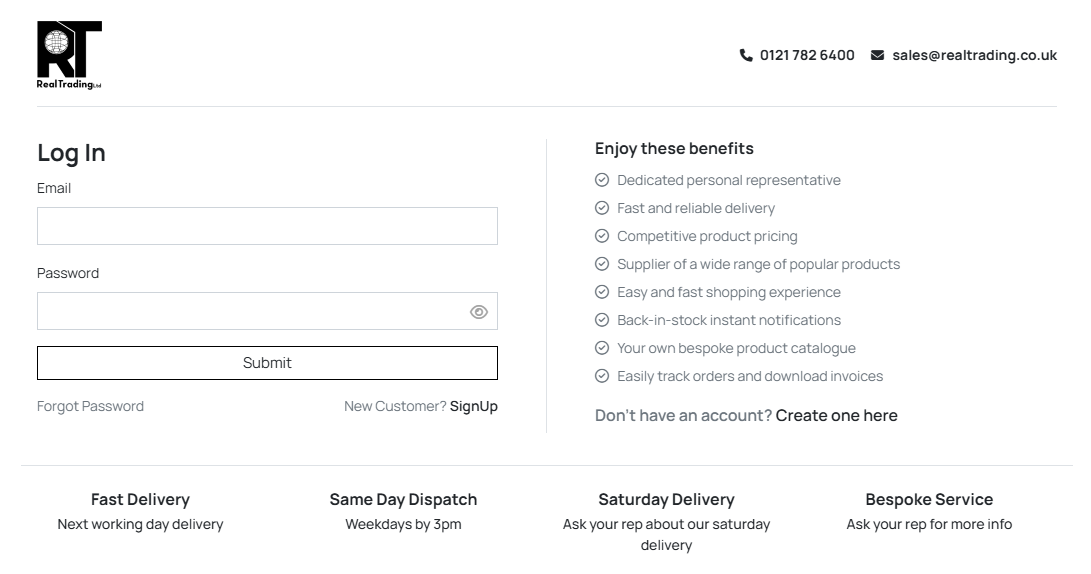
Visit b2b.realtrading.co.uk and enter your trade account email address and password.
If you do not know your password, please click the Forgot Password link. You will receive an email at your registered address with instructions to reset your password.
If you're a new customer, click Sign Up to create an account — your dedicated rep will be in touch to activate it.
BROWSE THE CATEGORIES
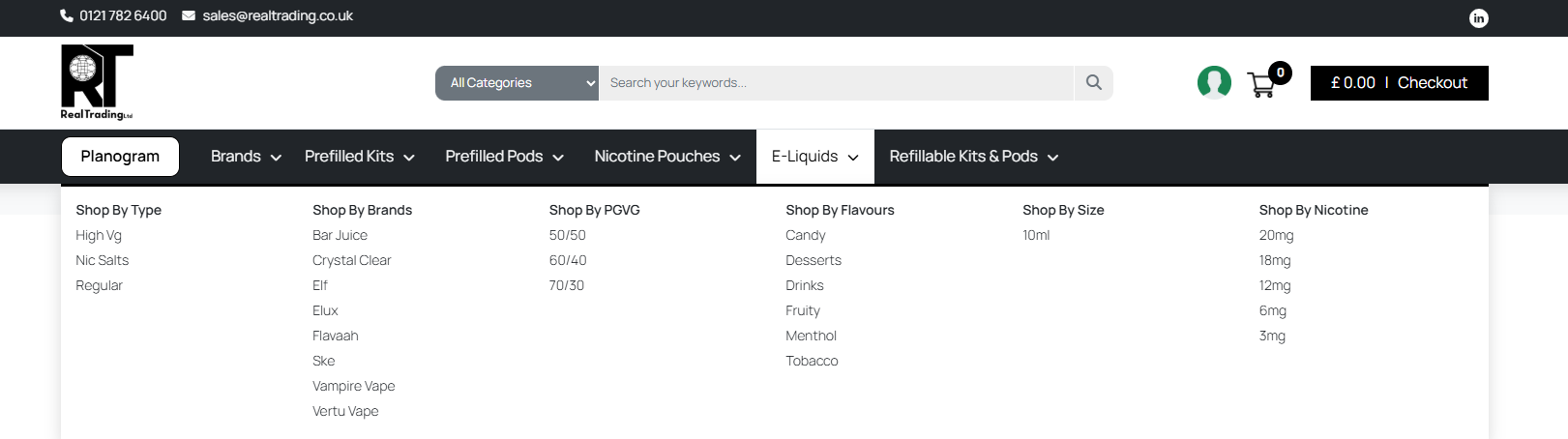
Use the top navigation menu to browse product categories including Beverages, Snacks, Pantry, Dairy & Chilled, Cleaning, and Personal Care.
Click any category to reveal filters for Type, Brand, Flavour, and Size to quickly find what you need.
ADD PRODUCTS TO YOUR CART
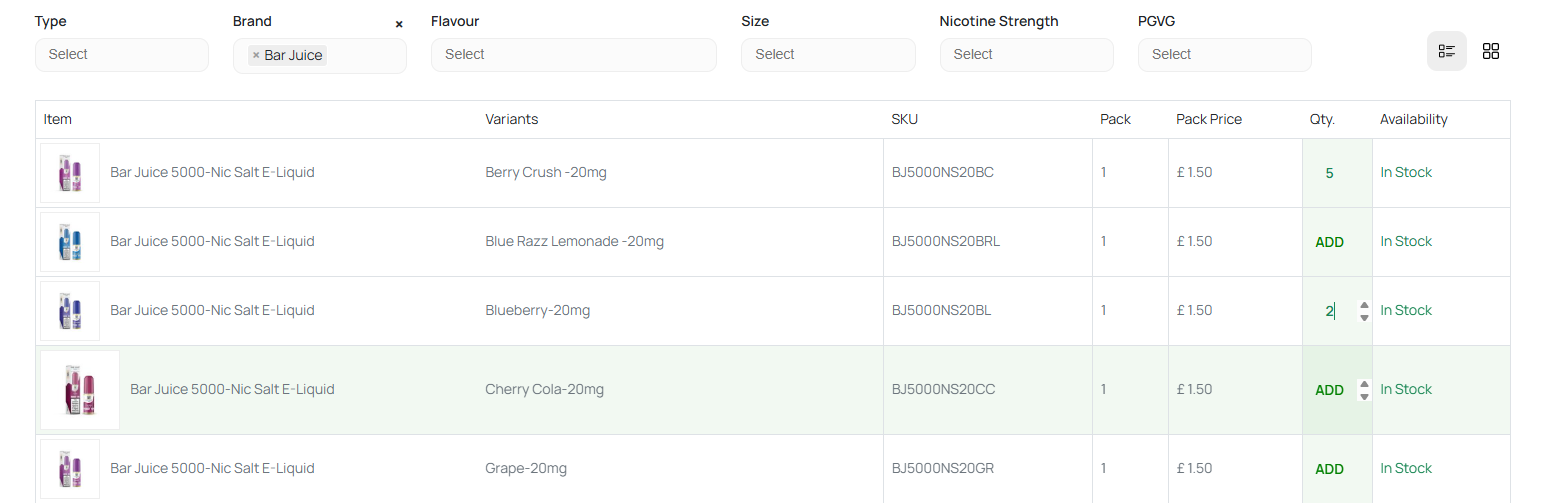
Find the products you need and click the ADD button, then enter your desired quantity.
The cart total in the top-right updates in real time. Products marked 'In Stock' ship immediately — 'Out of Stock' items cannot be added.
CHECK YOUR CART
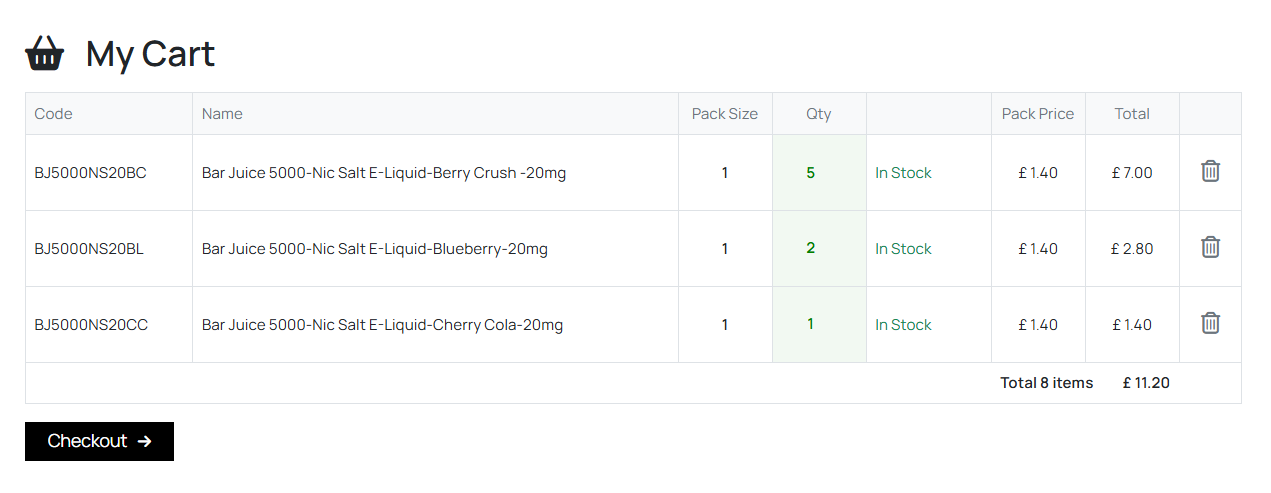
Click Checkout in the header to review your full cart. Check product codes, names, pack sizes, quantities, and totals.
Remove unwanted items with the delete icon or adjust quantities before proceeding.
CHECKOUT & CONFIRM DETAILS
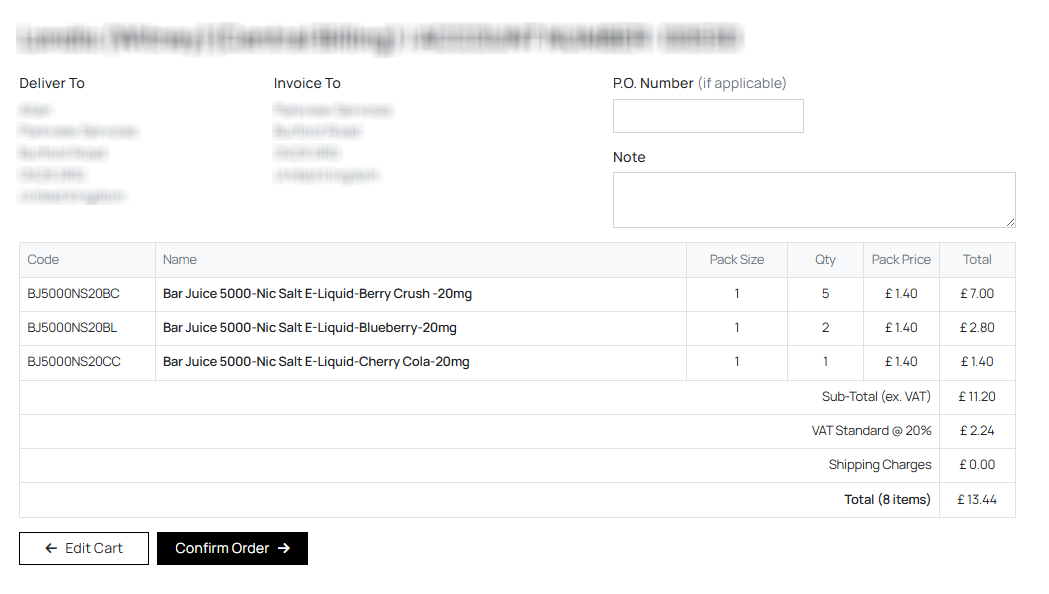
Verify your delivery and invoice addresses. Add a P.O. Number for your internal tracking if applicable, and include any special delivery notes.
Review the full breakdown including Sub-Total, VAT, and Shipping before confirming.
ORDER CONFIRMATION
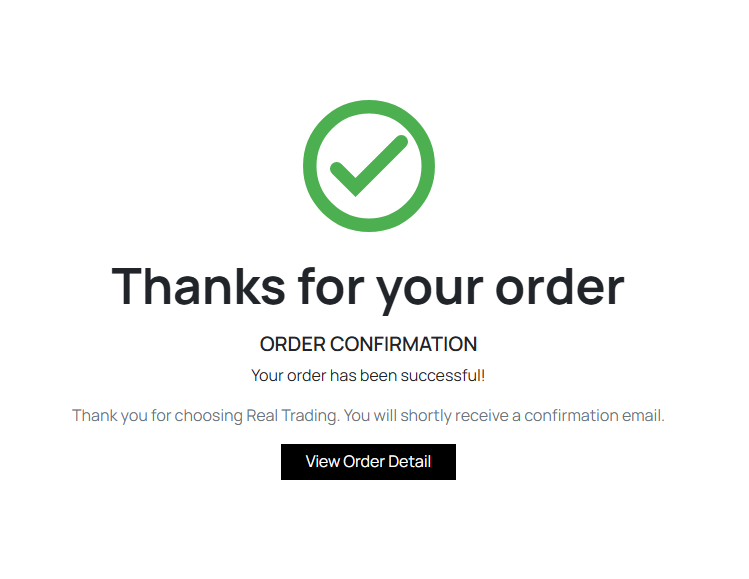
After clicking 'Confirm Order', you'll see a confirmation page with your unique order number. A confirmation email is sent to your registered address.
Click 'View Order Detail' for the full breakdown.
TRACK & MANAGE ORDERS
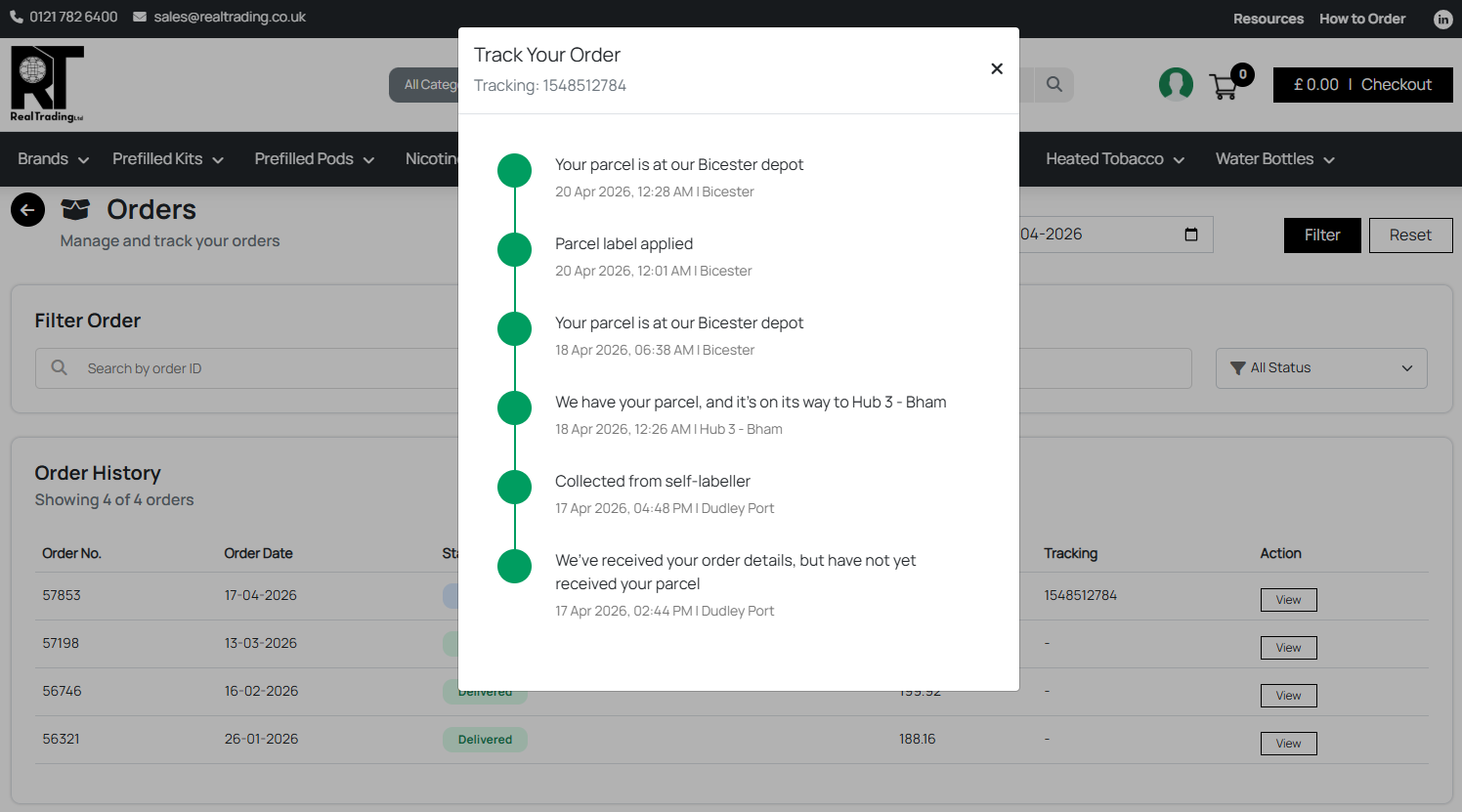
Access your complete order history anytime. Filter by date range, search by order ID, or filter by status (Confirmed, Shipped, Delivered). Track your shipments in real time with detailed status updates.